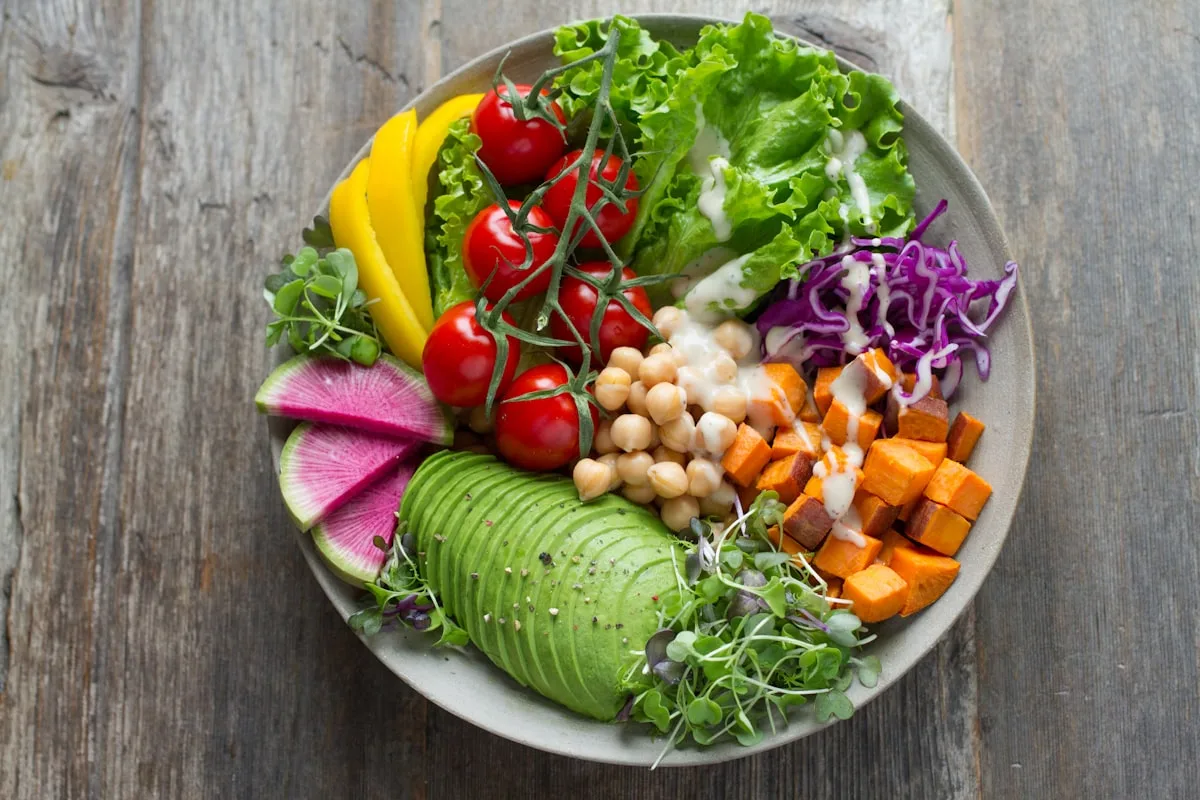
Nutrition is half the battle for an athlete who wants results. But the nutrition isn’t the hard part. Making the plan is: adding up macros, retyping recipes, starting over for every new person. There’s a better way. Here’s how to build a nutrition plan that adds up, grows with your athlete and actually gets followed.
In short
- Build from ingredients you tap, not retype
- Let the app calculate the macros, to the gram
- Put training and nutrition in the same app, so your athlete sees it all in one place
Start with the goal, not the calories
Before you open a plan, decide the goal: gaining, cutting or maintaining. The goal gives you a daily target for calories and protein, and the rest of the plan builds on it. If you run a personal coaching program, you set that goal for each athlete and work toward it together.
Build recipes without typing
This is where most coaches lose the most time, and it doesn’t have to be that way. In a good recipe builder, you pick ingredients from a library. Tap them or drag them in. The app suggests preparation steps based on what you add, and the macros are calculated for you, to the gram. You never type into a text field to build a recipe.
How it works
Tap your ingredients, set the portions, and the calories, protein, carbs and fats update live. Change an amount and everything scales with it.
Portions that scale
An athlete who eats twice as much doesn’t need a new recipe. Set the dish to two portions and the macros double. You keep one recipe for all your members and change only the portions for each goal and person.
A plan your athlete sticks to
The best plan is the one someone actually follows. Lay out the meals by time of day, with the macros next to them, so your athlete knows what to eat and how much. In the member app they tick off each meal and watch the day fill up toward the goal. That small nudge keeps people on track.
Nutrition alongside training
Nutrition and training work together, so keep them together. If the training plan lives in the same app, your athlete sees their workouts and their meals in one place. You build both around the athlete and adjust as needed, without switching tools.
Frequently asked questions
How do I create a nutrition plan for an athlete?
Set the goal and the daily target for calories and protein first. Then build the day from meals and recipes. If your recipe builder calculates macros automatically, you don’t add anything up yourself and the numbers are right from the start.
Do I have to type in every recipe myself?
No. In ClubGround you pick ingredients from a library by tapping or dragging them. Preparation steps are suggested, and the macros are calculated for you.
Do my athletes see the plan in an app?
Yes. The nutrition plan sits in the same app as the training. Your athlete sees each day’s meals with their macros and ticks them off as the day fills up toward the goal.